Explore the top 7 Environmental Impact Assessment (EIA) tools for 2024, their key features, pricing, and suitable use cases. Learn how to choose the right tool and follow best practices for effective EIAs.
If you're building or evaluating EIA tooling right now, the buying decision is mostly being driven by three regulatory pressures: the EU's CSRD (with ESRS E1 climate disclosures phasing in through 2028), the SEC's climate-related disclosure rule, and downstream Scope 3 reporting demands from customers already on CDP. None of the seven tools below cover all of that. They split cleanly into three categories: lifecycle assessment (SimaPro, GaBi, OpenLCA, OneClickLCA), spatial/site impact analysis (ArcGIS Pro, FEAT 2.0), and enterprise compliance management (Enablon). Pick based on which regulatory artifact you have to produce, not on feature checklists.
Here are the seven tools, with the trade-offs that actually matter:
Tool
Key Features
Pricing
Suitable Use Cases
Basic Proximity Analysis, Distance Analysis, Feature Comparison Analysis
Varies by license type
Scientists, planners, analysts
FEAT 2.0
Immediate impact assessment, multi-language
Free online course
Humanitarian and emergency response
LCA studies, multi-user licenses
Customized plans
Sustainability professionals, product designers
Enablon
Air compliance management, performance metrics
Varies by company size
Meeting ISO 14001 requirements
GaBi LCA
Data quality management, scenario analysis
Subscription-based
Product managers, sustainability teams
Free, open-source, data integration
Free with paid support
Academic and research purposes
User-friendly interface, comprehensive reporting
Subscription tiers
Construction and manufacturing industries
To choose the right tool, consider:
- Project scope and potential impacts
- Industry requirements and regulations
- Budget and cost-effectiveness
- System integration capabilities
- User expertise and training needs
Following best practices like using quality data, regular monitoring, stakeholder input, team collaboration, and compliance documentation is crucial for accurate and effective EIAs.
Related video from YouTube
Understanding EIA Tools
Environmental Impact Assessment (EIA) tools help evaluate how projects or plans may affect the environment. They identify potential issues and ways to reduce or avoid harm to nature and ecosystems.
What They Do
EIA tools assess a project's environmental consequences, including impacts on:
- Air and water quality
- Noise pollution
- Biodiversity
- Climate change
They provide a systematic approach to identify, predict, and evaluate environmental impacts, enabling informed decision-making.
Assessment Types
EIA tools can perform various assessments, such as:
Assessment Type
Description
Life Cycle Assessment (LCA)
Evaluates environmental impacts throughout a product or service's life cycle, from raw material extraction to disposal or recycling.
Carbon Footprint Analysis
Measures greenhouse gas emissions associated with a project or product.
Noise Impact Assessment
Evaluates potential noise pollution effects on the surrounding environment.
Biodiversity Impact Assessment
Assesses potential effects on local ecosystems and species.
Key Environmental Factors
EIA tools typically evaluate factors like:
Factor
Description
Air Quality
Assessing impacts on air pollution, including particulate matter, nitrogen oxides, and volatile organic compounds.
Water Quality
Evaluating effects on surface and groundwater quality, including chemical pollutants and habitat disruption.
Noise Pollution
Assessing impacts on noise levels and human health.
Biodiversity
Evaluating effects on local ecosystems, species, and habitats.
Climate Change
Assessing potential greenhouse gas emissions and climate change impacts.
How We Chose the Top Tools
We picked these seven because they're the ones we keep seeing referenced in sustainability filings, GHG Protocol-aligned inventories, and ISO 14001 audit packets. Marketing-page features didn't get a tool on this list. What did: documented methodology, an ecoinvent or equivalent database under the hood, and reporting outputs that hold up under third-party assurance. Here's the lens we used:
Tool Features
We looked at each tool's functionalities and specific features, including:
- Types of assessments it can perform (e.g., Life Cycle Assessment, Carbon Footprint Analysis, Noise Impact Assessment, Biodiversity Impact Assessment)
- Ability to identify, predict, and evaluate environmental impacts
- Reporting and communication capabilities
User Experience
We rated how user-friendly and easy to learn each tool is, considering:
- Intuitive interface and navigation
- Availability of user support, documentation, and training resources
Industry Adoption
We assessed how widely adopted each tool is across various industries and its popularity among professionals, including:
- Number of users
- Industry-specific applications
- Reputation among experts
System Integration
We checked how well each tool integrates with other commonly used systems and software, such as:
- Compatibility with popular data formats
- Integration with other EIA tools
- Ability to import and export data seamlessly
Cost and Value
We considered the pricing and value for money each tool offers, including:
Factor
Description
Cost
The tool's price and any additional fees or subscriptions
Return on Investment (ROI)
The potential return users can expect from using the tool
Our goal was to provide a well-rounded evaluation, ensuring the top tools meet the needs of EIA professionals in terms of functionality, usability, industry acceptance, compatibility, and cost-effectiveness.
The Top 7 EIA Tools for 2024
This section provides details on the top 7 Environmental Impact Assessment (EIA) tools selected for 2024. For each tool, you'll find an overview, key features, strengths, limitations, pricing, suitable use cases, and user reviews. A comparison table summarizes the key details for easy reference.
Tool 1: Esri's ArcGIS Pro
Overview
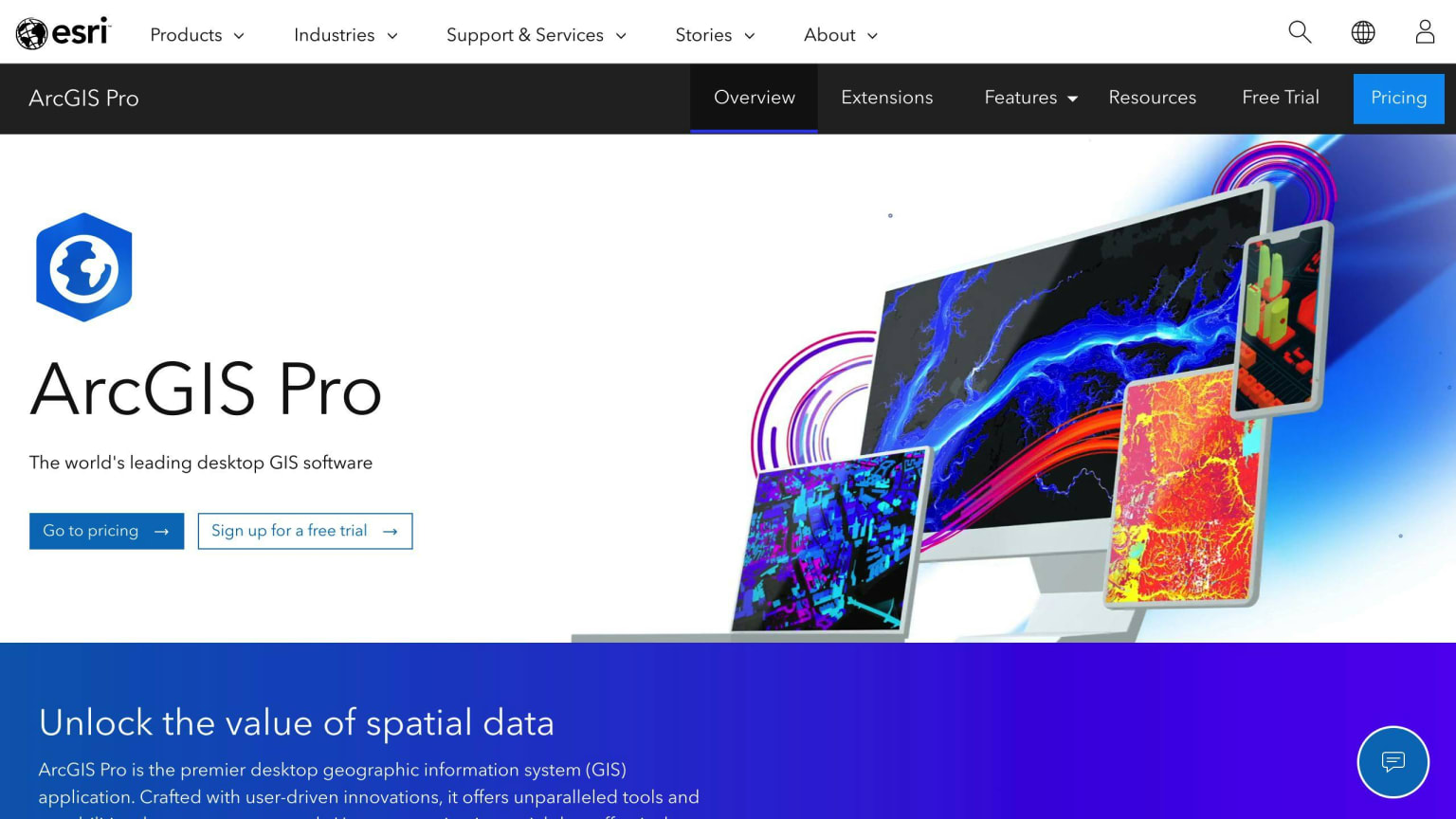
ArcGIS Pro is a powerful tool from Esri that leverages the ArcGIS Platform for environmental analysis and reporting. It's licensed under Apache-2.0.
Key Features
- Basic Proximity Analysis
- Distance Analysis
- Feature Comparison Analysis
Strengths
- Comprehensive tools for analysis and reporting
Limitations
- Requires ArcGIS Pro 1.3.1
Pricing
- Varies by license type
Use Cases
- Suitable for scientists, planners, and analysts.
User Reviews
- Highly rated for its analytical capabilities.
Tool 2: The Flash Environmental Assessment Tool (FEAT) 2.0
Overview
FEAT helps identify potential acute environmental impacts, focusing primarily on hazardous chemicals after natural disasters.
Key Features
- Immediate impact assessment
- Available in multiple languages
Strengths
- Rapid assessment capability
Limitations
- Primarily focuses on hazardous chemicals
Pricing
- Free online course available
Use Cases
- Suitable for humanitarian and emergency response.
User Reviews
- Positive feedback for its effectiveness in disaster scenarios.
Tool 3: SimaPro
Overview
SimaPro provides insights for reducing the environmental footprint of products and services, ideal for LCA experts.
Key Features
- LCA studies
- Multi-user licenses
Strengths
- Transparent and reliable data
Limitations
- Steep learning curve
Pricing
- Customized plans available
Use Cases
- Suitable for sustainability professionals and product designers.
User Reviews
- Praised for its comprehensive LCA capabilities.
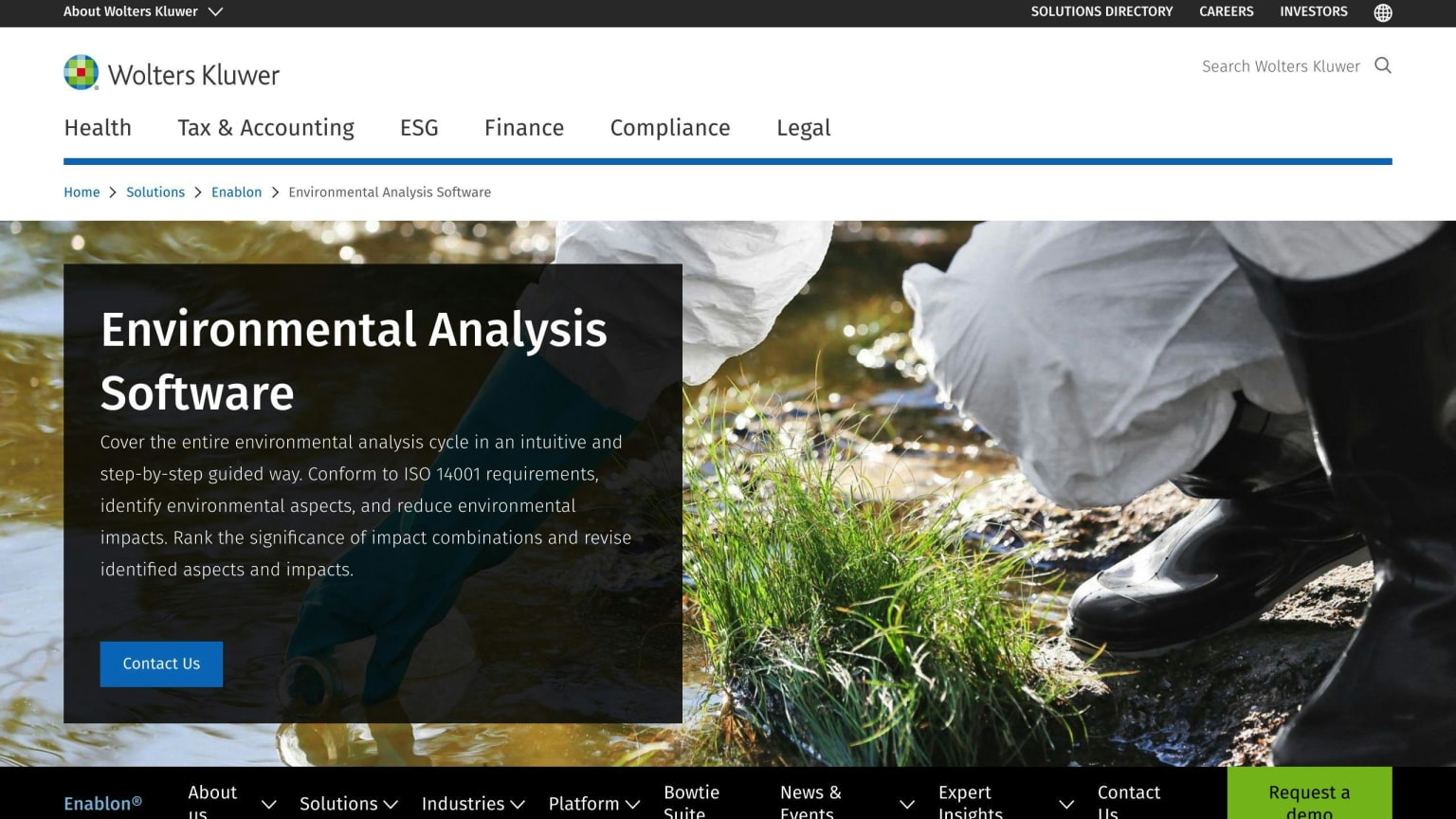
Tool 4: Enablon Environmental Analysis Software
Overview
Enablon's software helps companies measure, control, and reduce their environmental impacts.
Key Features
- Air compliance management
- Performance metrics
Strengths
- Wide range of compliance management tools
Limitations
- Can be complex to implement
Pricing
- Varies based on company size and needs
Use Cases
- Ideal for companies needing to meet ISO 14001 requirements.
User Reviews
- Valued for its comprehensive compliance features.
Tool 5: GaBi LCA Software

Overview
GaBi is used for conducting Life Cycle Assessments and supports sustainability reporting.
Key Features
- Data quality management
- Scenario analysis
Strengths
- Extensive database
Limitations
- Higher cost
Pricing
- Subscription-based
Use Cases
- Suitable for product managers and sustainability teams.
User Reviews
- Known for its detailed and accurate assessments.
Tool 6: OpenLCA

Overview
An open-source LCA software for environmental and sustainability assessments.
Key Features
- Free and open-source
- Extensive data integration
Strengths
- Cost-effective
Limitations
- Requires technical expertise
Pricing
- Free with optional paid support
Use Cases
- Suitable for academic and research purposes.
User Reviews
- Appreciated for its accessibility and data integration capabilities.
Tool 7: OneClickLCA
Overview
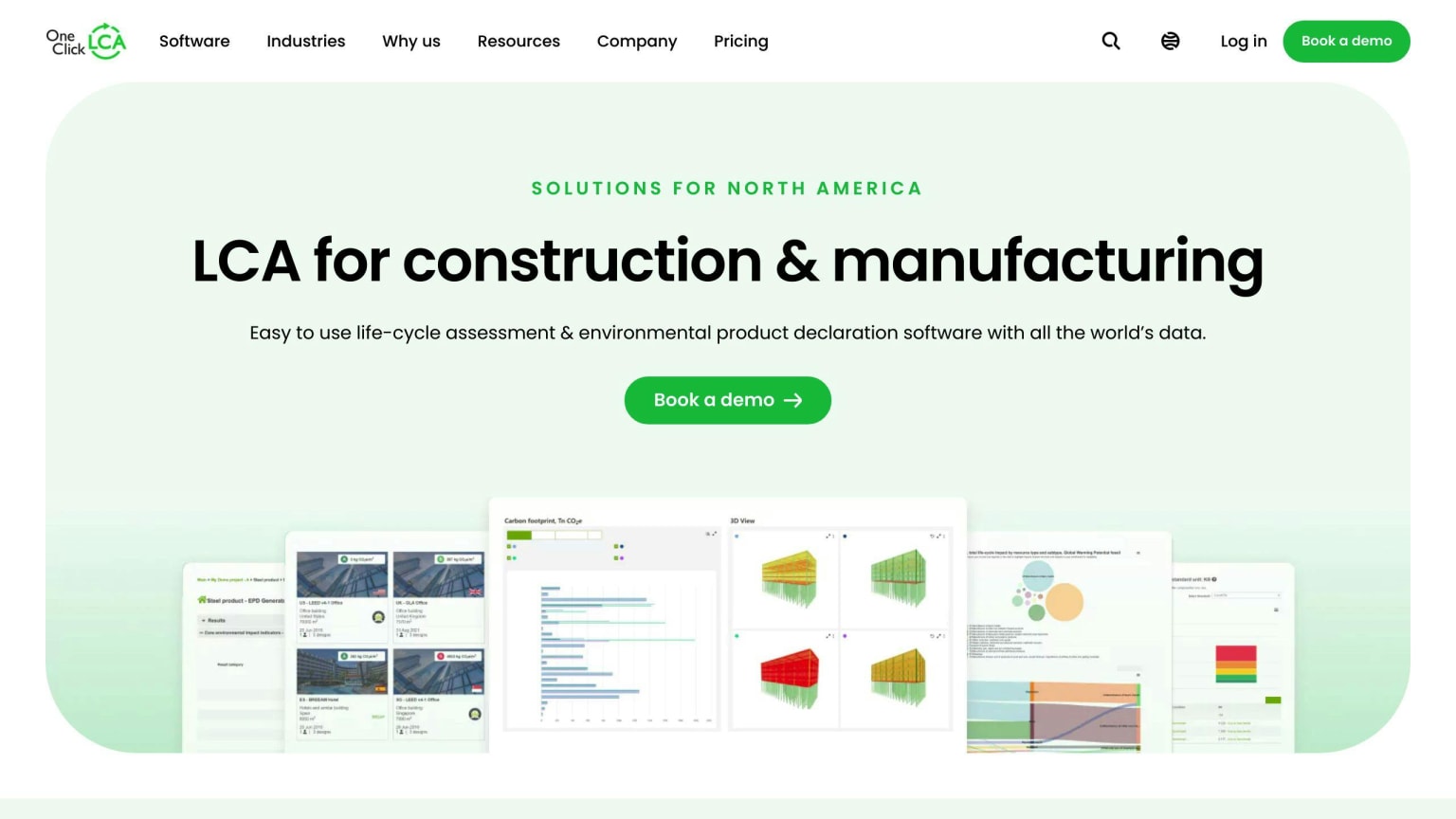
OneClickLCA is designed for automating life cycle assessments and environmental reporting.
Key Features
- User-friendly interface
- Comprehensive reporting
Strengths
- Easy to use
Limitations
- Limited to LCA and reporting
Pricing
- Subscription-based with various tiers
Use Cases
- Ideal for construction and manufacturing industries.
User Reviews
- Highly rated for its ease of use and automation features.
Tool
Key Features
Pricing
Suitable Use Cases
Esri's ArcGIS Pro
Basic Proximity Analysis, Distance Analysis, Feature Comparison Analysis
Varies by license type
Scientists, planners, analysts
FEAT 2.0
Immediate impact assessment, multi-language
Free online course
Humanitarian and emergency response
SimaPro
LCA studies, multi-user licenses
Customized plans
Sustainability professionals, product designers
Enablon
Air compliance management, performance metrics
Varies by company size
Meeting ISO 14001 requirements
GaBi LCA
Data quality management, scenario analysis
Subscription-based
Product managers, sustainability teams
OpenLCA
Free, open-source, data integration
Free with paid support
Academic and research purposes
OneClickLCA
User-friendly interface, comprehensive reporting
Subscription tiers
Construction and manufacturing industries
Choosing the Right Tool
Consider the Project Scope
To choose the right Environmental Impact Assessment (EIA) tool, start by considering the scope and size of your project:
- Geographical Area: What is the physical area the project covers?
- Potential Impacts: What environmental effects might the project have?
- Level of Detail: How in-depth does the assessment need to be?
Check Industry Requirements
Identify any specific needs or regulations your industry requires the tool to meet:
- Compliance: Are there regulations or standards the tool must follow?
- Industry Features: Does your industry need specialized tool capabilities?
Evaluate Your Budget
Review your available budget and resources to find a cost-effective tool:
Factor
Description
Initial Cost
The upfront price of the tool
Ongoing Costs
Fees for maintenance, support, etc.
Training Costs
Expenses for learning to use the tool
Ensure System Integration
Check if the tool can work with your existing systems and software:
- Can it import and export compatible data formats?
- Does it integrate with your project management tools?
Consider User Expertise
Assess the level of technical know-how needed to use the tool effectively:
- How much training is required for users?
- Are user guides and support available?
- Can the tool be customized to meet your needs?
Best Practices for EIAs
Quality Data
Accurate EIAs rely on high-quality data from reliable sources. Ensure data is relevant, complete, and up-to-date. Poor data quality can lead to inaccurate results, so invest time in proper data collection and verification.
Regular Monitoring
Regularly monitor and reassess projects to identify potential environmental impacts. This allows for timely mitigation measures. Ongoing monitoring adapts projects to changing conditions and stakeholder needs.
Stakeholder Input
Involve local communities, NGOs, and other stakeholders. Gather their input and concerns. This helps identify environmental and social impacts, and ensures projects minimize harm and maximize benefits.
Team Collaboration
Foster clear communication and collaboration among project teams, including environmental specialists and engineers. This ensures all aspects are considered and environmental and social impacts are minimized.
Compliance and Documentation
Adhere to compliance requirements and document the EIA process thoroughly. This includes data collection, analysis, results, stakeholder engagement, and consultation. Accurate documentation ensures transparency and accountability.
By following these practices, projects can ensure comprehensive, accurate EIAs that effectively minimize environmental and social impacts.
Practice
Description
Quality Data
Collect relevant, complete, and up-to-date data from reliable sources. Poor data quality leads to inaccurate results.
Regular Monitoring
Regularly monitor and reassess projects to identify potential impacts and implement timely mitigation measures. Adapt to changing conditions and stakeholder needs.
Stakeholder Input
Involve local communities, NGOs, and other stakeholders. Gather their input and concerns to identify impacts and ensure projects minimize harm and maximize benefits.
Team Collaboration
Foster clear communication and collaboration among project teams, including environmental specialists and engineers. Ensure all aspects are considered and impacts are minimized.
Compliance and Documentation
Adhere to compliance requirements and thoroughly document the EIA process, including data collection, analysis, results, stakeholder engagement, and consultation. Ensure transparency and accountability.
What's Actually Changing in 2024-2026
Scope 3 is the real bottleneck
The interesting work in EIA tooling right now isn't AI dashboards. It's Scope 3 supplier data ingestion. CDP's 2024 questionnaire and the GHG Protocol Scope 3 Standard both expect supplier-specific emissions data, and most enterprises can't get it. SimaPro, GaBi (now Sphera LCA), and OneClickLCA are all racing to ship better supplier portals and primary-data collection workflows. If you're evaluating tools, ask vendors specifically how they handle supplier data hierarchies and what happens when a supplier refuses to respond.
CSRD ESRS E1 is forcing methodology disclosure
Under ESRS E1, companies have to disclose the methodology behind their climate metrics, not just the numbers. That favors tools with transparent, documented impact assessment methods (ReCiPe, CML, TRACI) over black-box dashboards. OpenLCA and SimaPro both expose the underlying method choices. Some of the prettier enterprise tools don't.
SBTi and SASB convergence on sector standards
The Science Based Targets initiative and SASB (now part of ISSB) are pushing sector-specific accounting rules. Construction and real estate teams should weight OneClickLCA heavily. Manufacturing teams looking at product-level disclosure should weight SimaPro and GaBi. Generalist tools won't pass sector-specific audit scrutiny.
New Technologies
Regulatory Changes
Industry Standards
AI for data analysis and predictive modeling
Simplify EIA process
User-friendly interfaces
IoT for real-time data collection
Reduce developer costs
Simplified workflows
LiDAR, ArcGIS, QGIS, Equator
Strengthen monitoring
Accessibility for non-experts
Improved accuracy and timeliness
Environmental Outcomes Reports
Evolving LCA standards
Which One Should You Actually Buy
If you have to write a check this quarter, here's how we'd narrow it down:
- Product-level LCA for CSRD or EPD filings: SimaPro or GaBi. Both have ecoinvent integration and methodology transparency that survives third-party assurance. GaBi has the deeper database; SimaPro has the cleaner UX.
- Construction, real estate, or built environment: OneClickLCA. It's the de facto standard for EN 15978 and LEED LCA credits, and it's the only tool here with serious adoption among architects who aren't sustainability specialists.
- Academic, research, or budget-constrained teams: OpenLCA. Free, open-source, and the methodology is fully inspectable. Expect to spend engineering time on it.
- Enterprise EHS compliance (ISO 14001, air permits, incident tracking): Enablon. This is not an LCA tool. Don't buy it expecting one.
- Site-level spatial analysis and permitting EIAs: ArcGIS Pro. Pair it with QGIS for teams that can't justify the Esri license.
- Disaster response and hazardous chemical screening: FEAT 2.0. Narrow use case, but nothing else fills it.
One thing we'd push back on
Most RFPs we've seen treat EIA tooling as a single procurement. It rarely is. Carbon accounting (the Scope 1/2/3 inventory), product LCA (the cradle-to-grave footprint of a specific SKU), and compliance management (permits, incidents, audit trails) are three different jobs with three different data models. Trying to force one tool to do all three is how teams end up with a SimaPro license that sits unused while finance builds the actual GHG inventory in a spreadsheet. Scope the procurement to the artifact you owe a regulator or customer, then add tools as the other obligations land.
Tool
Key Features
Pricing
Suitable Use Cases
Esri's ArcGIS Pro
Basic Proximity Analysis, Distance Analysis, Feature Comparison Analysis
Varies by license type
Scientists, planners, analysts
FEAT 2.0
Immediate impact assessment, multi-language
Free online course
Humanitarian and emergency response
SimaPro
LCA studies, multi-user licenses
Customized plans
Sustainability professionals, product designers
Enablon
Air compliance management, performance metrics
Varies by company size
Meeting ISO 14001 requirements
GaBi LCA
Data quality management, scenario analysis
Subscription-based
Product managers, sustainability teams
OpenLCA
Free, open-source, data integration
Free with paid support
Academic and research purposes
OneClickLCA
User-friendly interface, comprehensive reporting
Subscription tiers
Construction and manufacturing industries